Employees deciding how much to salary sacrifice, and the advisers and payroll people who get asked "is it worth it?" and would rather show the two numbers than repeat a rule of thumb.
Como funciona
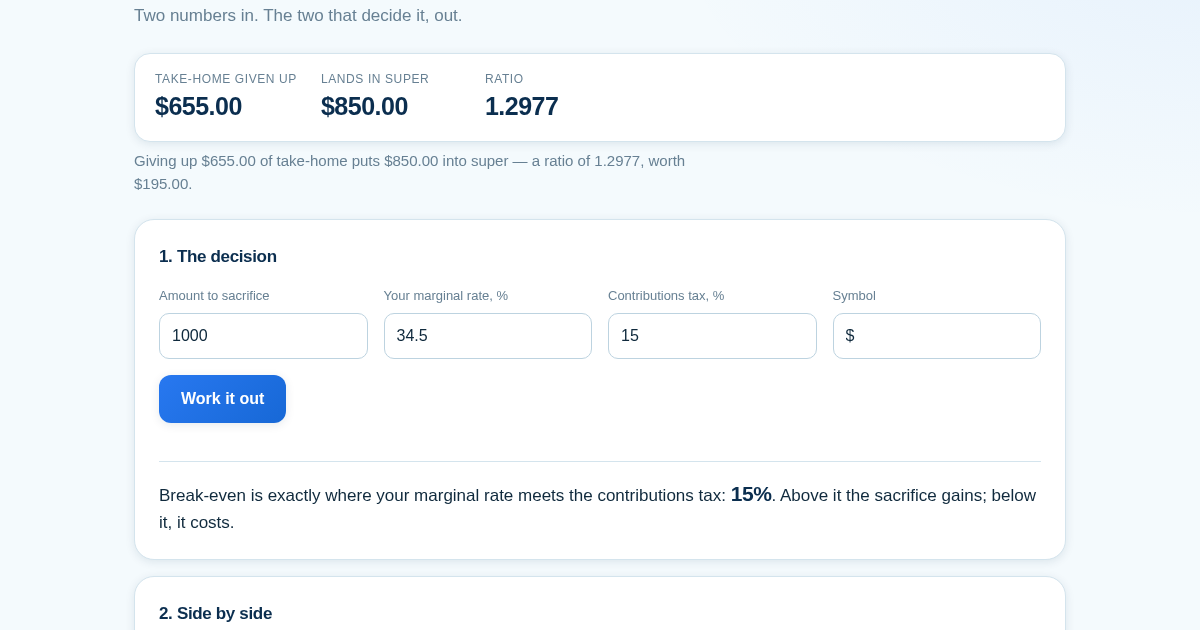
- Enter the amount, your marginal rate and the contributions tax.
- Read the two numbers side by side: what it cost in take-home, and what landed.
- Check the break-even against your own marginal rate — below it the answer flips.
- Enter salary, the employer rate and the cap to see how much room is actually left.
O que você ganha
- Shows, in the same money, how much take-home pay you really give up by salary sacrificing in Australia and how much actually lands in your super — including the cases where sacrificing loses you money.
Captura de tela
Detalhes técnicos
Como configurar e usar
- Compre a licenca — sua chave (lic_...) aparece na pagina do pedido e no seu e-mail.
- Entre em app.synoriaai.com com sua chave de licenca.
- Sem instalacao — o produto roda no navegador, na sua instancia isolada.
- Enter the amount you're thinking of sacrificing into the 'Salary sacrifice amount' field.
- Enter your marginal tax rate (as a percentage) into the 'Marginal tax rate' field.
- Enter the contributions tax rate that applies to you (e.g., 15% for most, or 30% for higher earners) into the 'Contributions tax rate' field.
- Click 'Calculate decision' to see what you actually give up in take-home pay versus what lands in your super, plus the break-even rate.
- Optionally, fill in your salary, employer contribution rate, and the annual cap to see how much room you have left after mandatory employer contributions.
Perguntas frequentes
Is my data safe if I use this calculator?
Yes. Everything is calculated in your browser—no numbers you enter are sent to or stored on any server. The page contains no tracking or data collection.
Does this tool tell me whether salary sacrificing is right for me?
No. It only shows the arithmetic: the exact take-home cost, the exact amount that lands in super, and the break-even marginal rate. It does not consider your age, balance, or other financial goals, and it will show cases where sacrificing loses money.
Does it automatically use current tax rates or caps?
No. Rates and caps change by year and jurisdiction, so the tool starts empty. You must enter your own marginal rate, contributions tax rate, and cap—it performs the math only, not the rate lookup.
Produtos relacionados

Ledger & Trial Balance Practice Tool
Commerce students in Class 10-12 need to practice journal entries and see how they flow into ledgers, trial balances, and balance sheets for board exams. This tool lets them enter transactions and instantly see the…
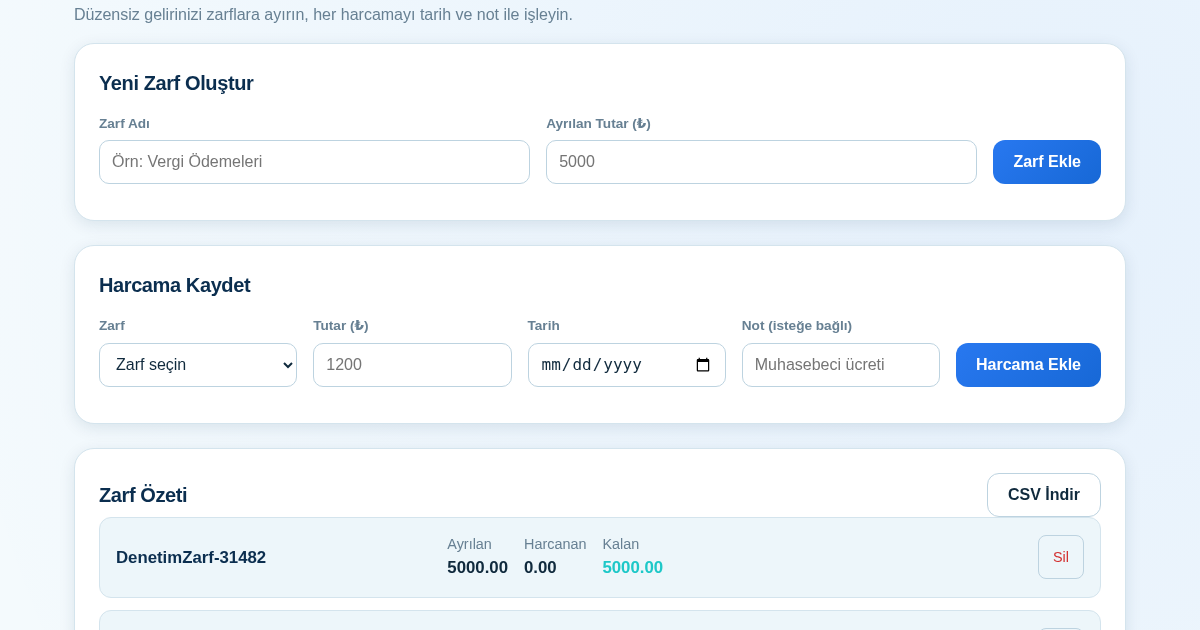
KASA - Serbest Çalışanlar İçin Zarf Bütçesi
Serbest çalışanlar düzensiz gelirlerini vergi, kira ve yaşam giderleri gibi zarflara bölerek bütçelerini düzenli tutabilir. Her harcamayı tarih ve not ile ilgili zarfa işleyerek ne kadar ayırdığını ve ne kadar…
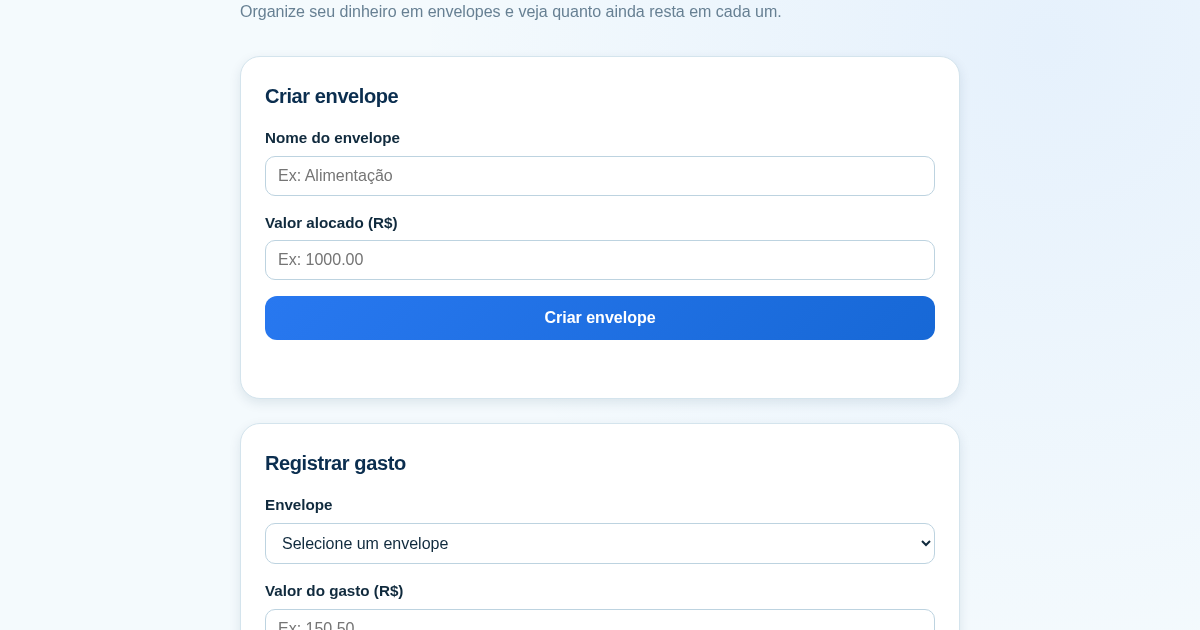
Calculadora de Orçamento por Envelopes (Pix)
Este aplicativo ajuda brasileiros a organizar seu dinheiro em envelopes de orçamento, como alimentação, transporte e lazer, sem precisar conectar uma conta bancária. Ele resolve o problema de controlar gastos do dia a…
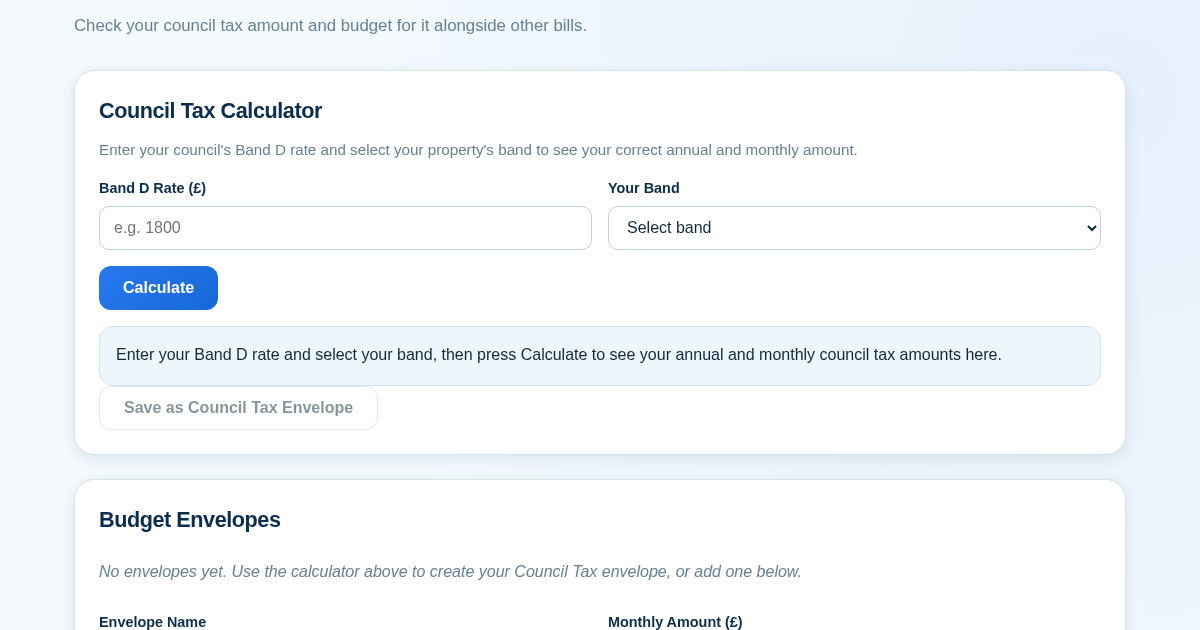
Council Tax Envelope Budget
This app helps UK residents verify they are paying the correct council tax amount for their property band by calculating it from their council's published Band D rate. It then provides a simple envelope-based budgeting…